A free schema generator for local businesses
Schema markup is a small block of code that tells search engines the facts about your business in a format they can read without guessing. Your name, website, phone, address, hours and social profiles all become clear data instead of loose text on a page.
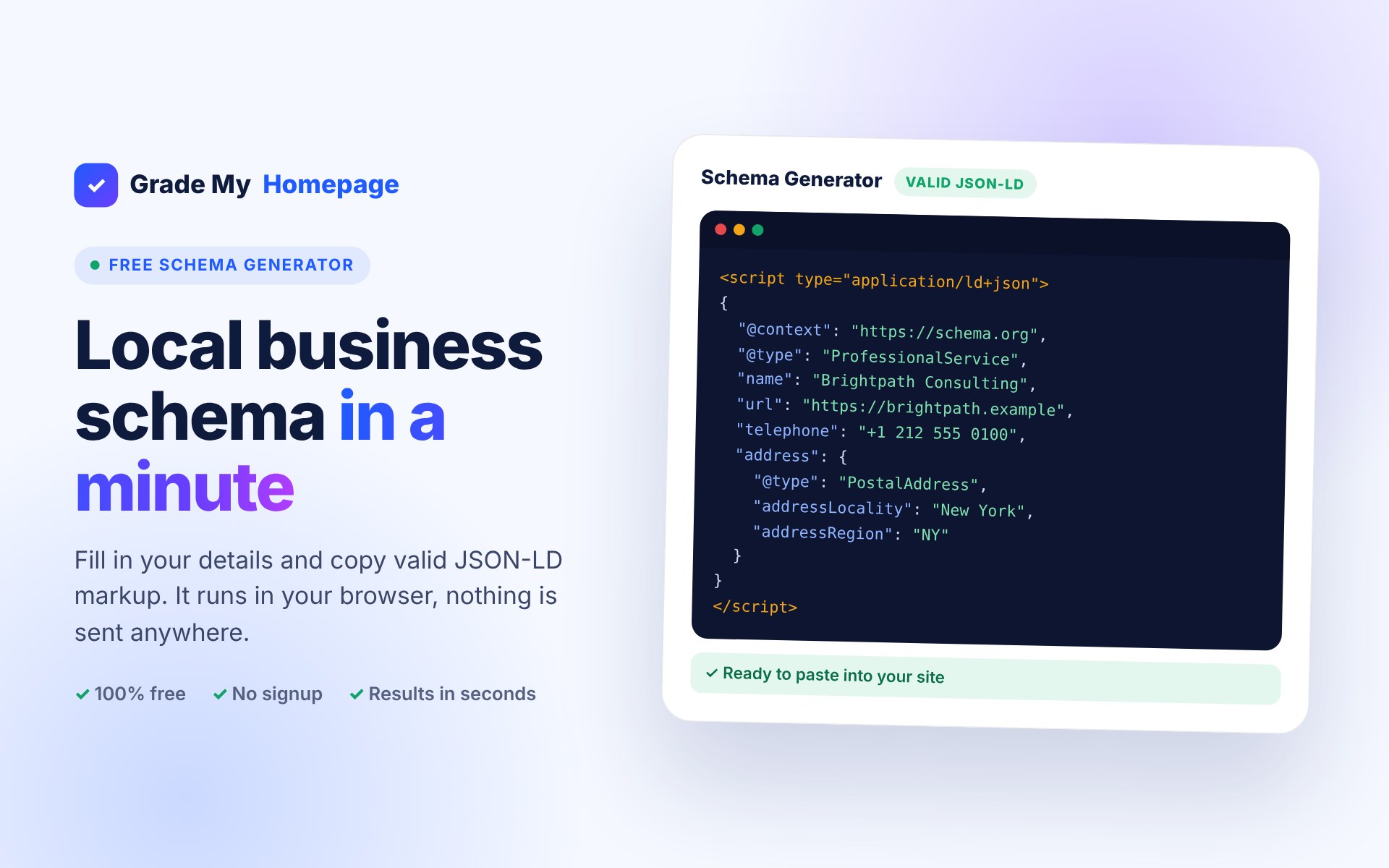
This schema generator builds that code for you as you type. Pick your business type, fill in your details and copy valid JSON-LD markup, ready to paste into your site. It runs fully in your browser, so nothing you enter is sent to us or stored anywhere.
How to use the schema generator
- Choose your business type. Professional service fits most consultants and agencies. There are also options for legal, medical, home services and general local businesses.
- Add your name and website. Use your business name exactly as it appears on your site and your Google Business Profile.
- Fill in contact details. Phone, email and address. If you work from home and do not show an address publicly, add only your city and region.
- Add your opening hours. Use the simple rows, one for each set of days with the same hours.
- Add social profiles. LinkedIn, Facebook, Instagram and others go in the sameAs field, which helps connect your business across the web.
- Copy and test. Copy the code, then use the test link to check it in Google’s Rich Results Test before you publish.
What is JSON-LD schema markup?
JSON-LD is the format Google recommends for structured data. It sits in a script tag in your page, separate from the visible content, so it never changes how your site looks. The vocabulary comes from Schema.org, a shared standard used by Google, Bing and other search engines.
The schema generator uses that same vocabulary. It checks that required fields are filled and that links look right, and it shows clear notes when something is missing.
Why local business schema matters
- Clear facts for search engines. Your details are read the same way every time, without guesswork.
- Consistency across the web. Matching details on your site, your Google Business Profile and your listings builds trust.
- Better chances for rich results. Structured data does not guarantee special results, but it makes your page eligible for more of them.
- Help for AI search. Tools like ChatGPT and Google’s AI answers lean on clear, structured facts about businesses.
Where to add the code on your site
Most sites need the markup on the homepage only. On WordPress, you can paste it with a header and footer code plugin, an HTML block or your theme’s custom code area. Elementor users can drop it into an HTML widget on the homepage. On Squarespace and Wix, use the code injection or custom code settings for the page header.
If your SEO plugin already outputs business schema, check its settings first so you do not end up with two conflicting blocks. One accurate block is better than two that disagree.
Check your markup with Google
After you publish, open the Rich Results Test and enter your homepage address. It shows what Google can read and flags any errors. The schema generator links there for you after you copy.
Schema generator FAQ
Is the schema generator free?
Yes, completely. There is no signup, and because the schema generator runs in your browser there is no daily limit.
Do I need to know how to code?
No. You fill in a simple form and copy the result. Pasting it into your site takes a minute with any of the options above.
Which business type should I choose?
Choose the most specific one that fits. A law firm should pick legal service. A consultant or agency should pick professional service. If nothing fits, local business is a safe default.
What else should I check on my homepage?
Run the free homepage grader for a score out of 100 and your top three fixes. Then use the meta description generator and headline generator to tighten your message.
